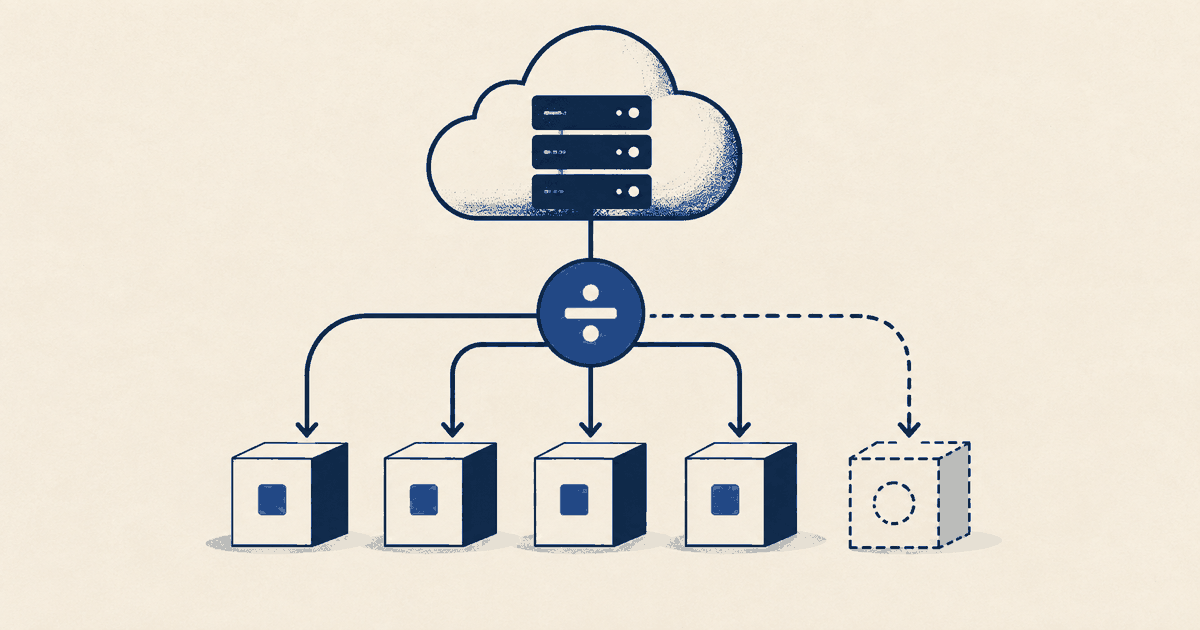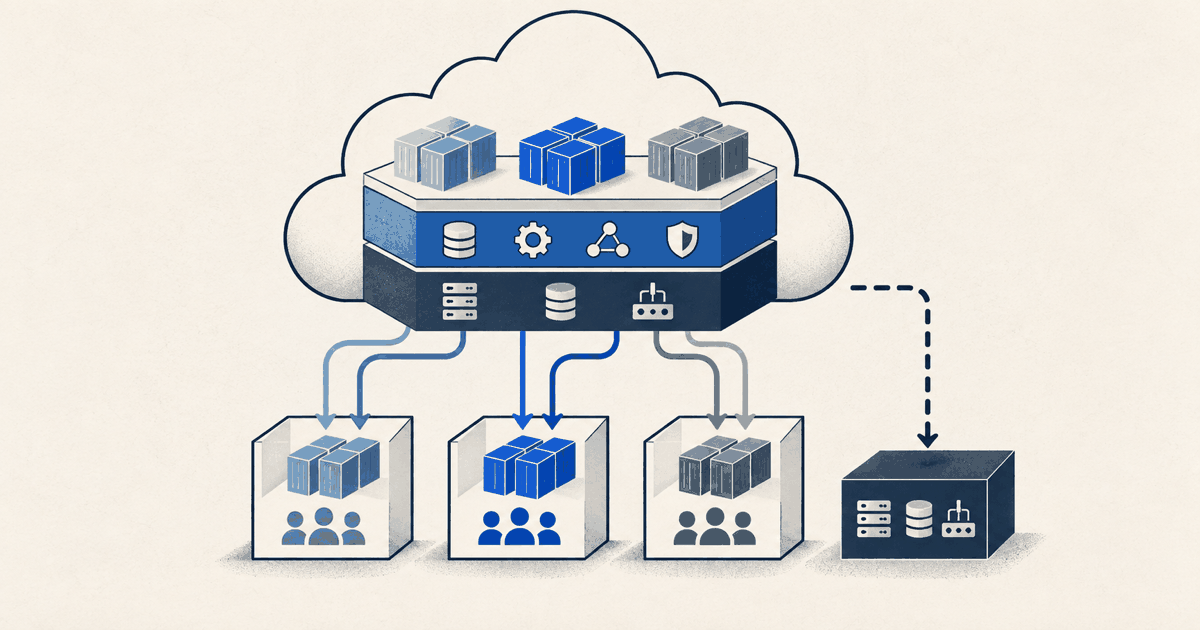
Multi-tenant SaaS cost allocation is fair when each shared component is divided by the key that actually drives its cost: compute time for clusters, storage footprint for databases, messages for queues, ingest volume for observability. Whatever has no measurable driver stays central, and whatever nobody can attribute stays visible. The shares then add up to the source amount to the cent. Turning those shares into a per-customer metric is covered in cloud cost per customer. This guide is about the split itself, across tenants or product lines.
What the tenancy model means for allocation
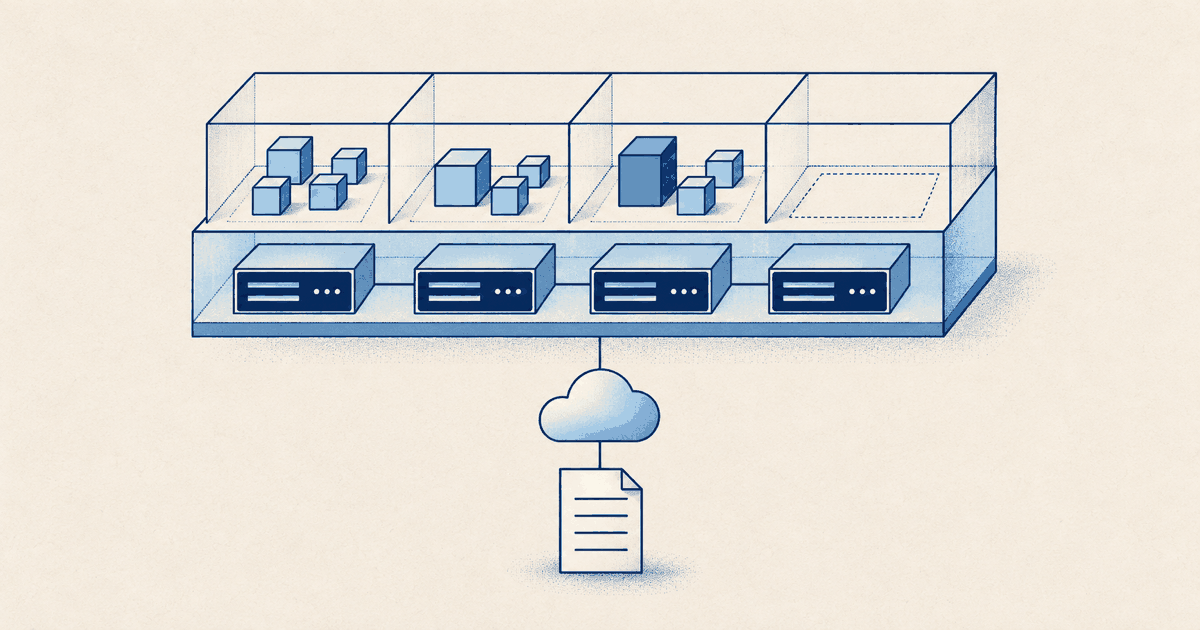
The AWS Well-Architected SaaS Lens distinguishes three patterns. In the silo model tenants get dedicated resources, in the pool model they share resources, and the bridge model mixes both, for example with some microservices siloed and others pooled. The AWS Guidance for Multi-Tenant Architectures states the trade-off plainly: the silo model provides the strongest isolation at the highest cost, the pool model the least isolation at the lowest cost. For allocation that means:
| Model | Where the tenant link comes from | Typical gap |
|---|---|---|
| Silo | Account, subscription, project or tag per tenant | Shared identity, onboarding and operations are missing from the tenant total |
| Pool | Application metrics only, because one resource serves everyone | Without per-tenant measurement there is only an estimate |
| Bridge | Differs by component, such as a shared application with a schema per tenant in one database instance | One key for everything distorts the mixed components |
The SaaS Lens notes that fine-grained consumption measurement in a pool rules out many usual attribution routes, tagging included. Idle capacity also behaves differently by model. In a silo it has an owner: the unused capacity of a dedicated database belongs to the tenant it runs for. In a pool, idle capacity is a shared decision about headroom and minimum size, and it does not automatically belong to the largest tenant.
An allocation key for each component
The SaaS Lens recommends measuring consumption where most of the bill arises. Start with the components that carry the largest share of cost and use a named fallback key for the rest.
| Component | Key | Data source | Watch out |
|---|---|---|---|
| Kubernetes or ECS cluster | CPU and memory share per namespace or task | AWS split cost allocation data, GKE cost allocation, AKS cost analysis | Report idle and system reserve separately |
| Shared relational database | Storage per tenant, plus query time where load differs | PostgreSQL pg_total_relation_size per table, summed per schema; query time only with tenant context from the application | Storage alone understates compute-heavy tenants |
| Object storage | GB-months per bucket or prefix | Bucket tag; otherwise S3 Inventory with object size, filterable by prefix | Treat requests and data transfer separately |
| Queue, streaming | Messages or bytes per tenant | Counter in the producer | Count redeliveries too |
| Observability | Ingest volume per tenant | A tenant_id field in logs and traces, aggregated in your own backend | Platform logs with no tenant stay central |
| API gateway, load balancer | Requests per tenant | Access logs carrying the tenant ID | A request says nothing about its compute effort |
| Control plane, CI, security tooling | No consumption link | Policy decision | Keep central or split on a fixed basis, and label it so |
The same grid works for product lines. Instead of the tenant ID, measure the key per product line, such as requests per API path or storage per schema. When a tenant uses several product lines, do not allocate twice: decide whether tenant or product line is the leading split and derive the other view from it.
Container clusters: what AWS, Google Cloud and Azure provide
For shared clusters you do not have to measure the key yourself. All three providers deliver namespace-level cost, each with a different method.
AWS split cost allocation data covers Amazon ECS including Fargate, AWS Batch and Amazon EKS. Enable it in the Billing and Cost Management console under Cost Management preferences, section Split cost allocation data; only a management (payer) or standalone account can opt in. For EKS you choose the basis: resource requests, Amazon Managed Service for Prometheus (the higher of request and actual usage) or Amazon CloudWatch Container Insights. The data appears only in CUR and CUR 2.0, not in Cost Explorer, and can take up to 24 hours. The AWS FOCUS 1.2 export has no table configuration for it; which export fits which job is covered in CUR 2.0 or FOCUS. In CUR 2.0, split_line_item_split_cost and split_line_item_unused_cost carry the amounts per pod or task, and split_line_item_split_usage is the maximum of configured and actual usage. Tags such as aws:eks:namespace are active as cost allocation tags by default.
GKE cost allocation is enabled per cluster:
gcloud container clusters update CLUSTER_NAME --enable-cost-allocation
The detailed BigQuery export then carries labels such as k8s-namespace, k8s-workload-name and k8s-label/ followed by the pod label key. The basis is resource requests, not consumption. Idle capacity appears as kube:unallocated and system reserve as kube:system-overhead. Google does not backfill and states up to three days of delay.
AKS cost analysis requires the Standard or Premium tier and shows Kubernetes cost only for Enterprise Agreement and Microsoft Customer Agreement:
az aks update --resource-group RESOURCE_GROUP --name CLUSTER_NAME --enable-cost-analysis
It reports idle, service, system and unallocated charges per namespace and asset.
One namespace per tenant makes this data directly usable. If tenants share a namespace, the providers only deliver the namespace's share; the further split comes from your application again.
Keep totals exact
An allocation is only defensible when it neither creates nor loses money:
- One cost basis. Allocate amortised or billed cost, never a mix.
split_line_item_split_costincludes amortised upfront payments for reservations and Savings Plans;split_line_item_net_split_costalso reflects all discounts. - Close each component per month. Sum of shares plus idle plus unallocated equals the component's source amount.
- Round once, at the end. Calculate at full precision and round once per component using the largest remainder method: round every share down to the cent, find the difference to the source total, and hand the missing cents one by one to the tenants with the largest truncated remainders. The total matches exactly and the result is reproducible.
- Name idle capacity. AWS spreads
split_line_item_unused_costacross pods in proportion to split usage; GKE and AKS report idle as its own item. Sum it separately. Whether it is later allocated by usage is a documented decision, not a default. - Show rule changes separately. When you change a key, restate the previous month under the new rule and report the rule effect apart from consumption.
Cost allocation rules in Microsoft Cost Management move cost between subscriptions, resource groups or tags, but only for Enterprise Agreement and Microsoft Customer Agreement, without purchases such as reservations and savings plans, and without changing the invoice. The percentages are prefilled when the rule is created (evenly, or by the targets' total, compute, storage or network cost) and change afterwards only when you update the rule manually. A key that should follow usage therefore needs a fixed refresh date. In exports, the costAllocationRuleName column marks the reallocated rows; filter them out for invoice reconciliation.
Checklist before the first release
- Every component has a named key, a data source and an owner.
- Keys and cost refer to the same month in UTC.
- Internal and test tenants are in the denominator.
- The completeness check closes to the cent for each component.
- Idle and unallocated cost appear as their own lines in the report.
- A tenant with more measured usage bears more cost under the rule.
- Finance can recompute the rule without engineering.
What Costfluent covers
In Costfluent, rules assign cost by account or subscription, resource group, resource name or tag to a segment that names a team, product and cost centre. Cost marked as shared is spread in proportion to the segments' direct cost in the same period, so the total stays exact; anything no rule matches stays on an unallocated line. A changed rule recalculates past months as well. For Kubernetes, the cluster agent shows cost per namespace and idle capacity separately, as described in Kubernetes cluster cost. Costfluent does not ingest usage keys from your application, such as requests or storage per tenant; that split runs outside. More on cost allocation and in the glossary entry on shared cost.
Sources and method
Checked on 10 October 2026: AWS SaaS Lens: Silo, Pool and Bridge Models, AWS SaaS Lens: Expenditure awareness, AWS Guidance for Multi-Tenant Architectures, AWS: Understanding split cost allocation data, AWS: Enabling split cost allocation data, AWS: CUR 2.0 split line item columns, AWS: FOCUS 1.2 with AWS columns, Google Cloud: GKE cost allocation, Microsoft: AKS cost analysis, Microsoft: Allocate Azure costs, PostgreSQL 18: Database Object Size Functions, Amazon S3 Inventory and FinOps Foundation: Allocation. The key table, rounding method and checklist are Costfluent recommendations.